I appreciate your clarification. I tried creating a custom prop control using the ‘react-spectrum’ library but I am facing an issue … none of the styles are showing up in Plasmic studio.
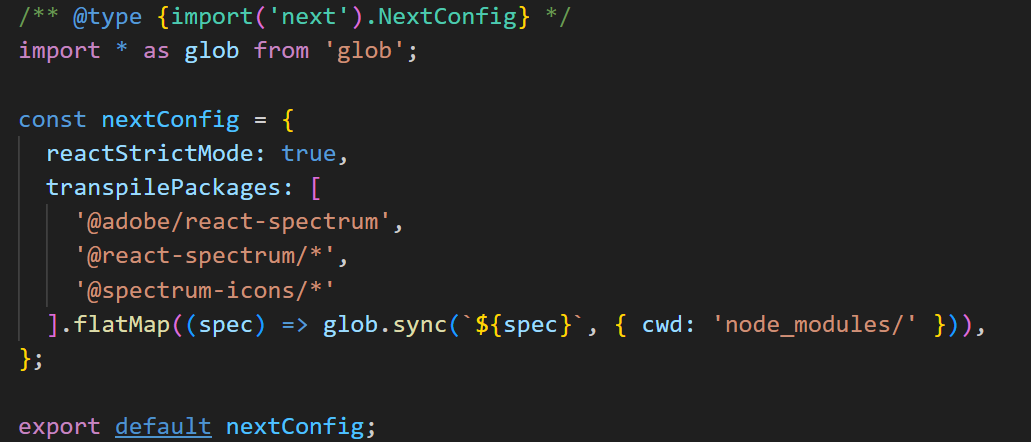
To begin, I made sure that Next.js is configured to work with react-spectrum as per documentation here:
https://react-spectrum.adobe.com/react-spectrum/ssr.html#nextjs
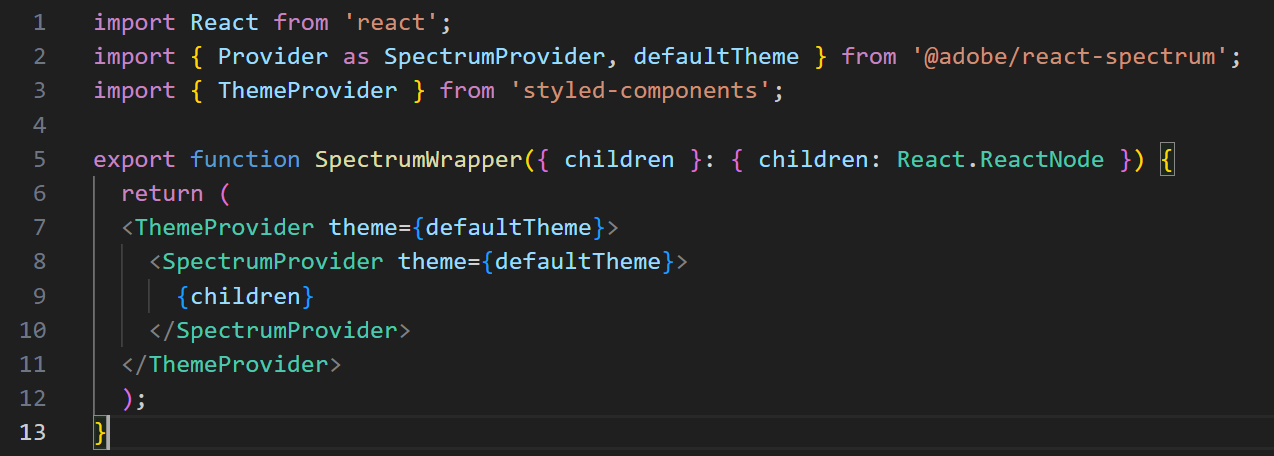
And following the Plasmic documentation, I tried wrapping the custom prop controls to provide the necessary contexts for the react-specturm themes/styling but I haven’t been successful.
https://docs.plasmic.app/learn/custom-controls/#usage-notes
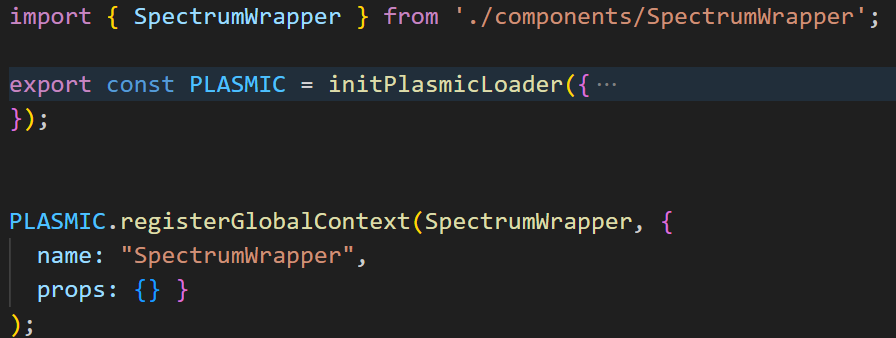
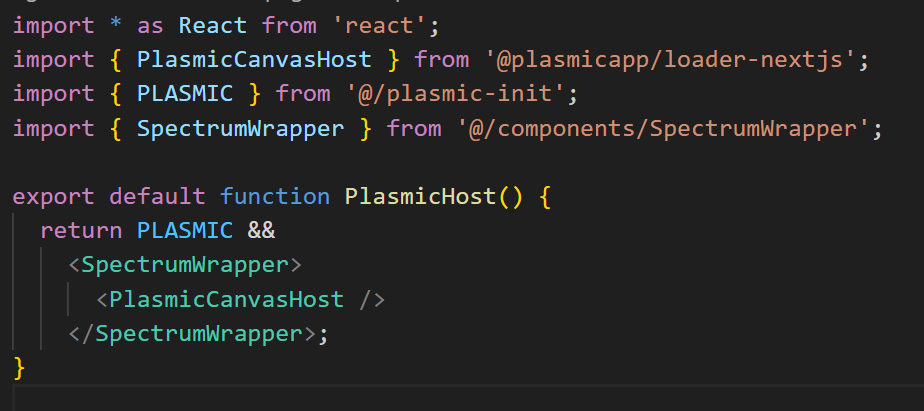
I have also registered a global context and wrapped the “PlasmicCanvasHost” component with it, but that also didn’t work.
https://docs.plasmic.app/learn/global-contexts/#global-context-registration
The react-spectrum component renders correctly - with all CSS styles applied - on a standalone next.js test page (outside the Plasmic studio), so I know next.js is configured correctly.
I’m not sure what else to do. I’ve added my sample code below. Please advise. Thanks!
Next.js config to work with “react-spectrum” (next.config.mjs)
React-spectrum context wrapper
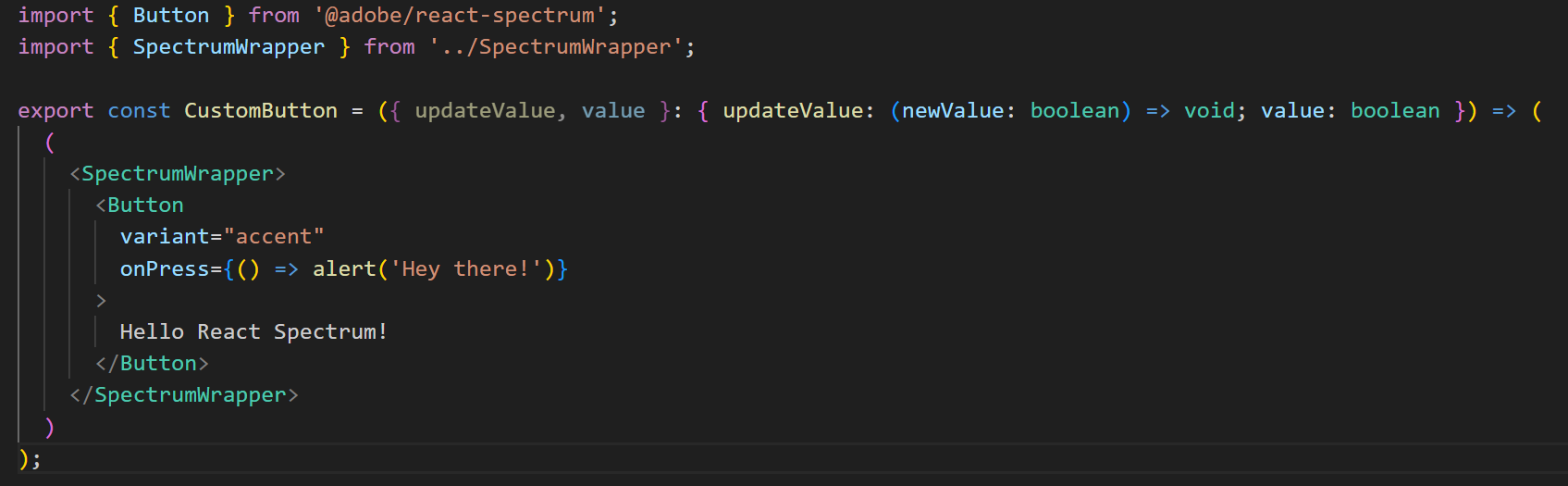
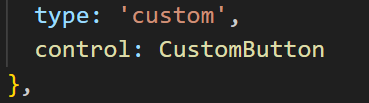
Custom Button to be used as prop custom control (as a test)
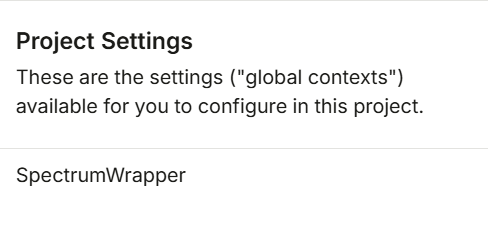
Registering React-spectrum context as a global context within Plasmic studio and it appearing as a listed global context under “project settings”
Wrapping PlasmicCanvasHost component with “React-spectrum” wrapper
Designating “Custom button” a custom prop control type for the code component
Custom Button appears unstyled

Testing React-spectrum button outside Plasmic studio host:
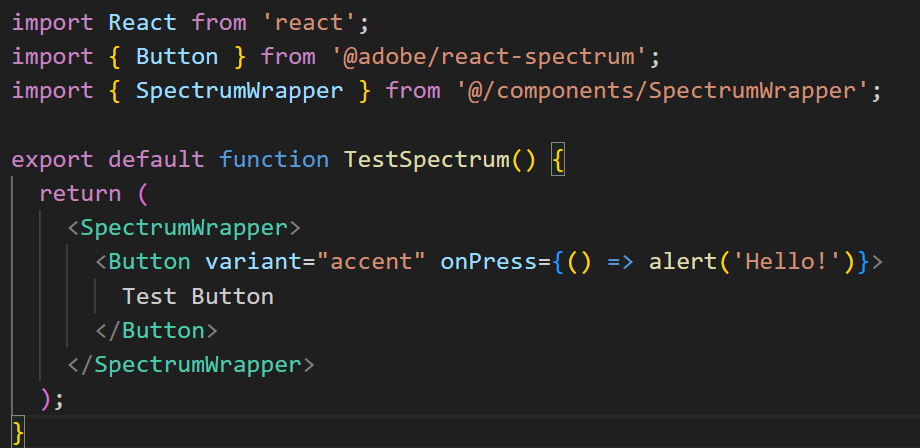
Custom Button appears styled outside of Plasmic Studio