We have a color field on a CMS model. When editing the color value I can only see the color picker UI (with the gradient map, the preview swatch, and the two sliders) but I cannot see the actual HEX value. I’d like to be able to both read this value and set the color value by typing in a HEX string like #53B8E2.
Workaround: I can make this a simple text field but then we wouldn’t get the color picker, which would be nice to have.
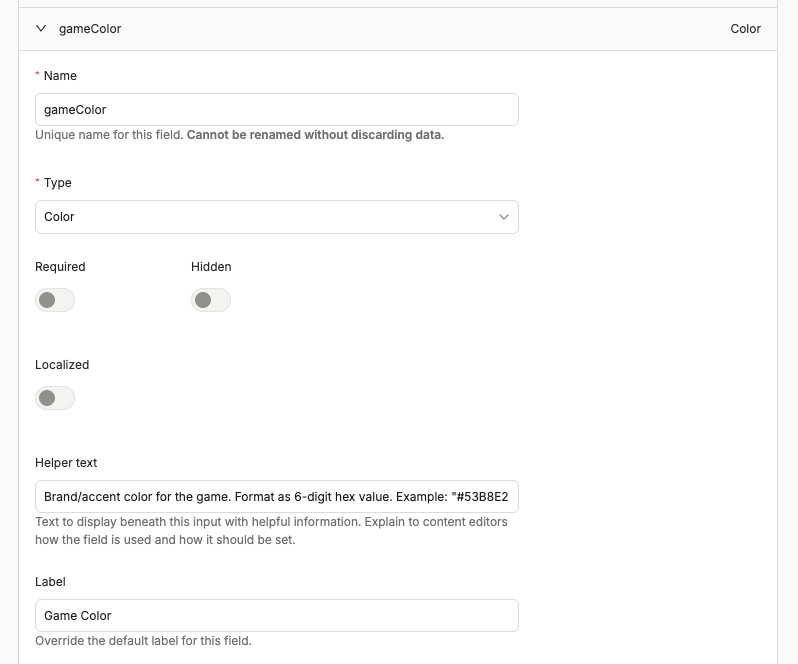
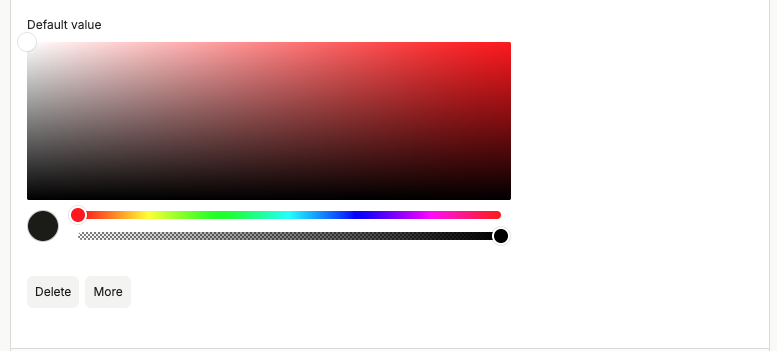
These first screenshots show how we set up this field in our model:
This screenshot shows how the field appears when editing content on a CMS entry.
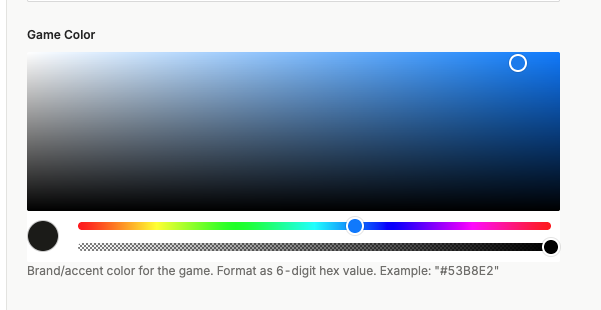
Note that I added helper text instructing the user to type in a hex value, but they cannot. 
I went snooping around in the DOM and I found that there is a text input field:
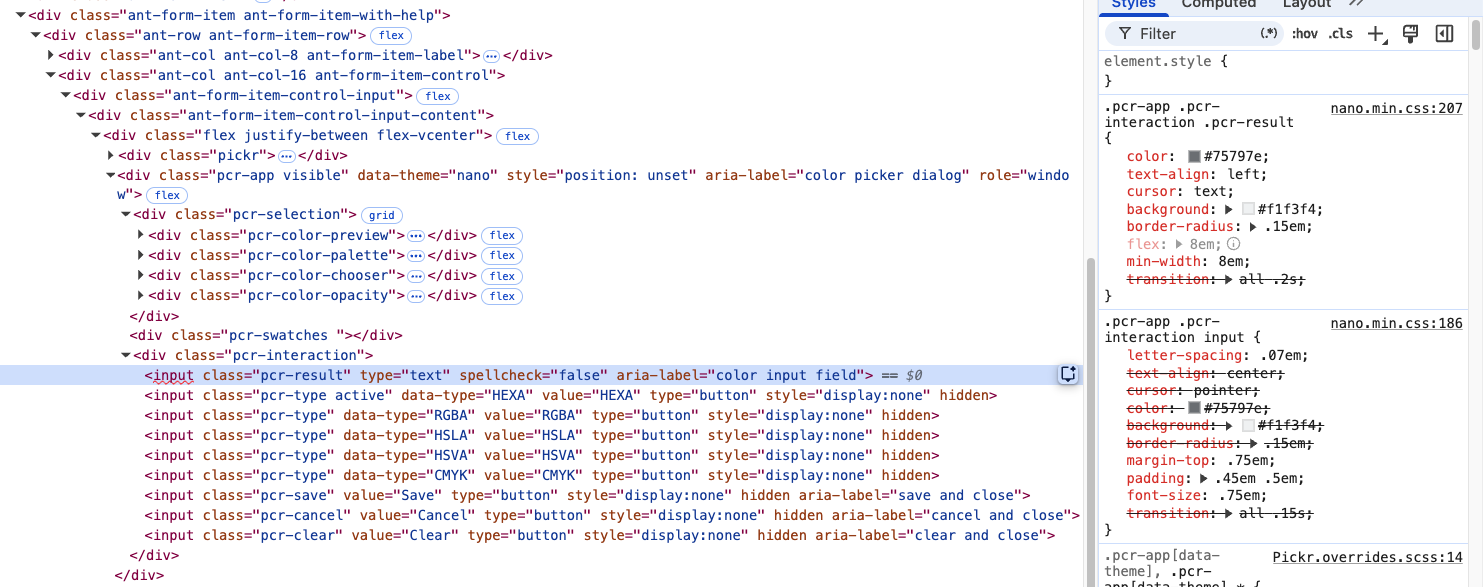
However the container element div.pcr-interaction has a display: none !important; applied:

Is there something I’m doing wrong? Some setting that I’m supposed to turn on to be able to see and update the color text input field?
What do you guys recommend?
