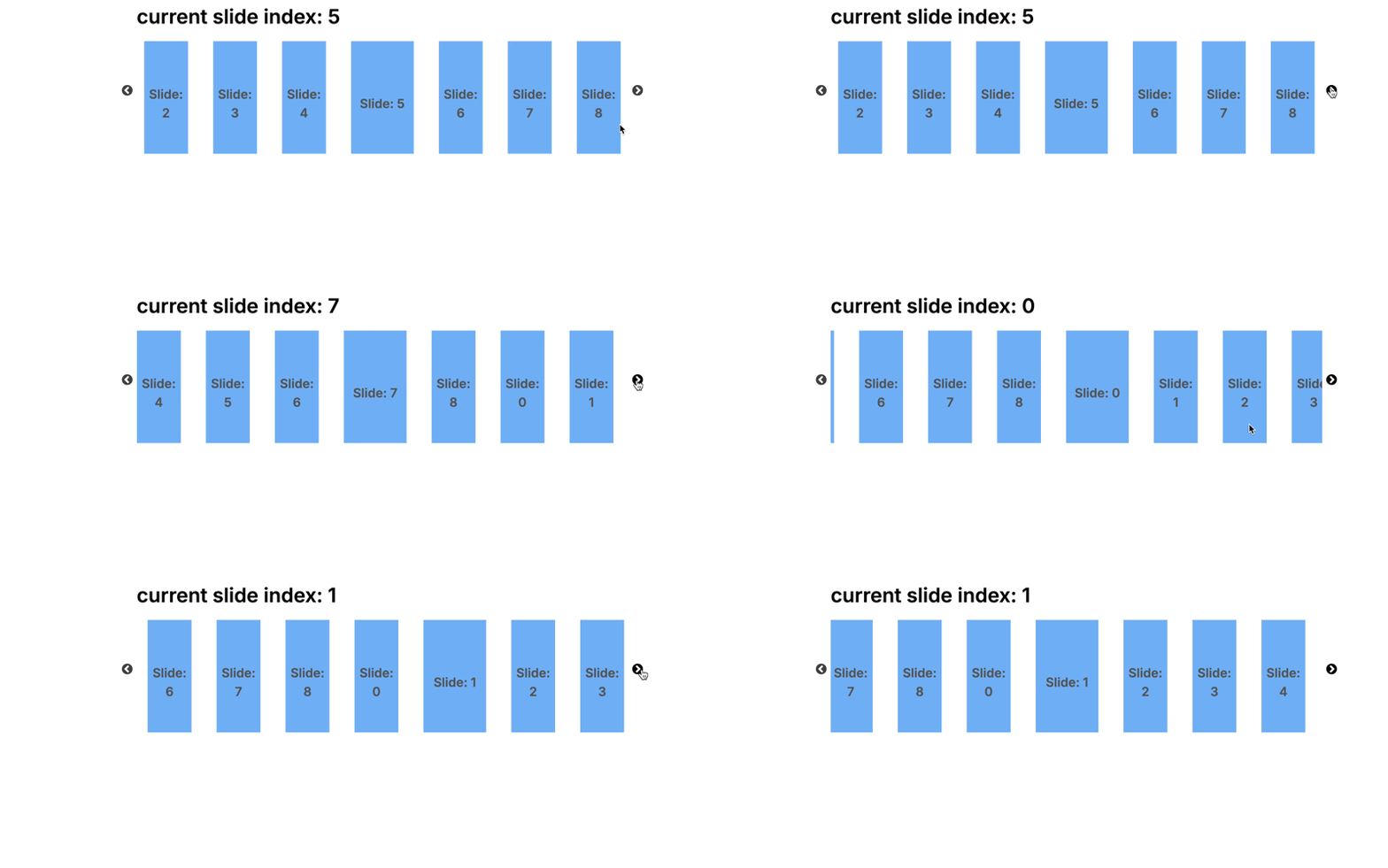
What are you trying to do?
I’m trying to use the built-in Plasmic slider component and am a little stumped on how to achieve a certain effect:
- The active/selected slide is wider than the other slides and centered on screen
- Changing to the next slide/making the next slide active is smooth, and is centered on screen
- It’s easy to switch/skip certain slides (jump from slide 1 to slide 3, for example)
What have you tried so far? (please link relevant docs and other forum posts)
- I’ve built a working prototype that makes use of a component with a big (wide) and lil (narrow) state
- The slider starts with the active slide centered
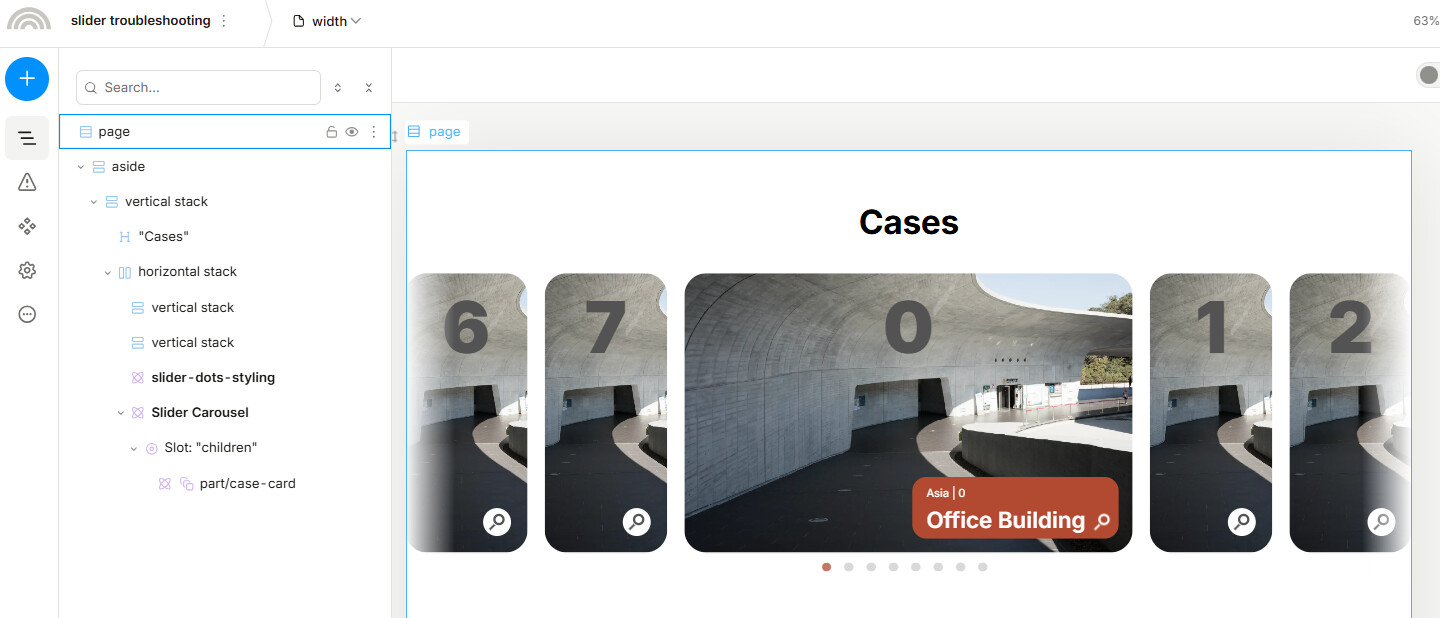
However…
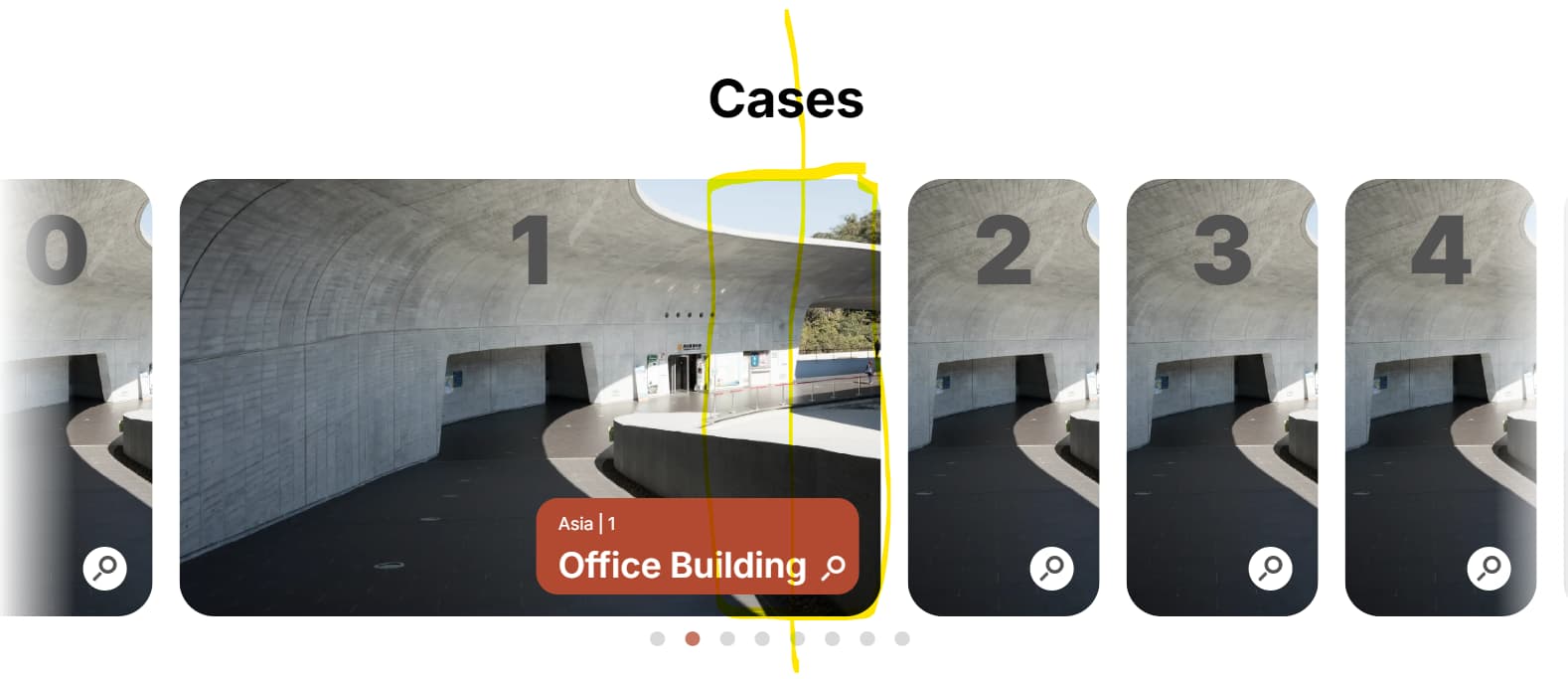
- Switching slides becomes “un-centered” as the new active slide expands
- Swiping only seems to move 1 slide at a time rather than making the newest centered slide active
Playground project: