I’m getting an error in my project after I added the hostless lottie and lottie async components to my project.
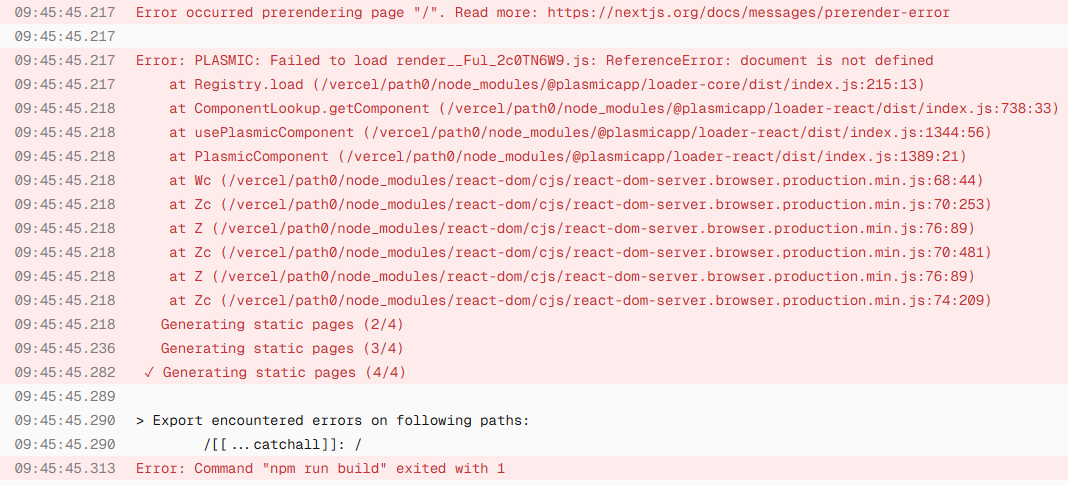
In production, the ”lottie” page with the lottie components (only things on the page) returns a 500 Internal Server Error. Using npm run dev, it’s showing this error:
Rendering error
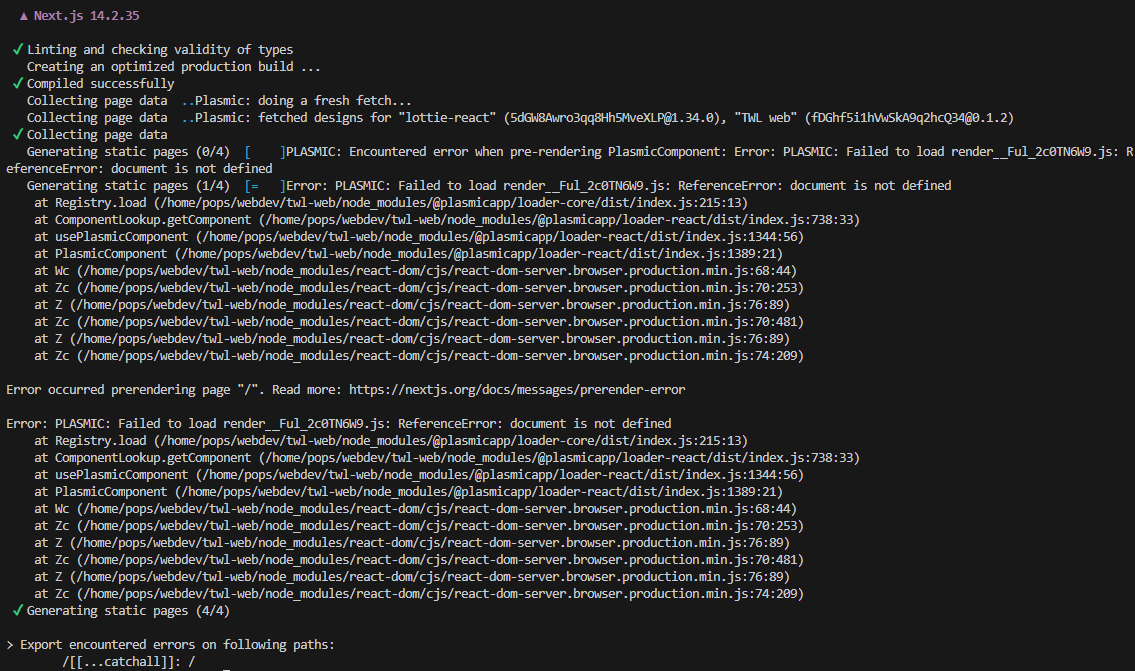
PLASMIC: Encountered error when pre-rendering PlasmicComponent: Error: PLASMIC: Failed to load render__5M49luM_NpTU.js: ReferenceError: document is not defined
Error: PLASMIC: Failed to load render__5M49luM_NpTU.js: ReferenceError: document is not defined
    at ignore-listed frames
 ⨯ Error: PLASMIC: Failed to load render__5M49luM_NpTU.js: ReferenceError: document is not defined
    at ignore-listed frames
 ⨯ Error: PLASMIC: Failed to load render__5M49luM_NpTU.js: ReferenceError: document is not defined
    at ignore-listed frames {
  page: '/lottie'
}
 GET /lottie 500 in 75ms (compile: 65ms, render: 10ms)
Even on the homepage (a page with no lottie components), I’m now seeing this error:
Hi @leafer_design, could you please confirm whether you’re using the loader or codegen?
Hey @leafer_design, I just loaded your project locally using the Plasmic Loader and everything worked fine on my end. Could you please share your loader configuration and let me know if you’ve overridden anything locally in your setup?
Also, just to double-check, can you try creating a fresh local project for this and see if it works there as well?
i just created a fresh new project using Plasmic loader with just the Lottie element and it still seems to not work 
- i also tried a different lottie file and still got the same error in the new project
Hi @leafer_design, thanks for testing with a fresh project! Since the issue persists, could you help me narrow this down by checking:
- Did you create the new project using create-plasmic-app? If not, could you try running:
npx create-plasmic-app@latest my-test-project
- What’s your Plasmic CLI version? You can check by running:
npx @plasmicapp/cli --version
This will help me understand if there’s a version mismatch or environment-specific issue causing the Lottie errors you’re seeing.
No probs, thanks for helping to troubleshoot 
(1) No, I created the new project via Plasmic UI, and I see the error message without even having connected a codebase.
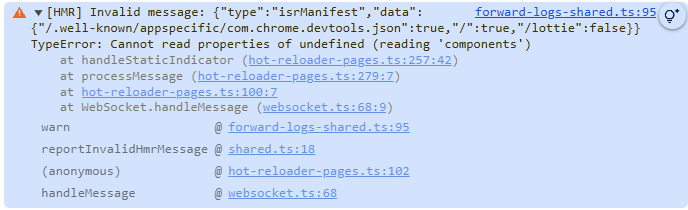
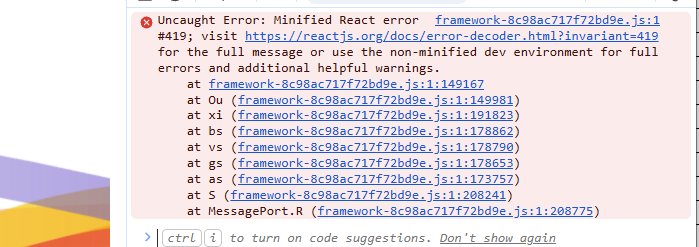
Here’s that new project example with just Plasmic hosting showing an error message in devlog with the lottie components.
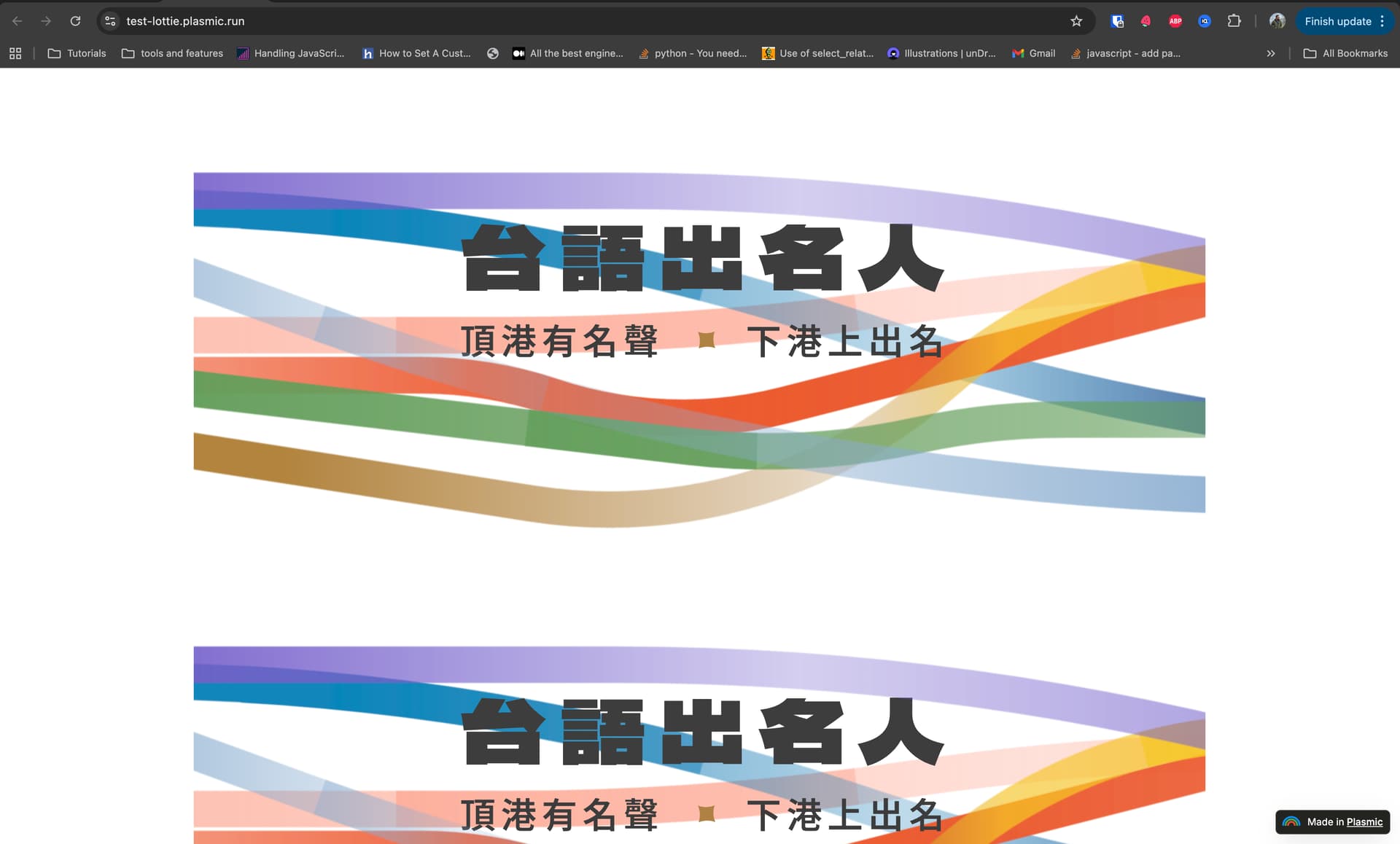
Hi @leafer_design, your project’s hosting is working fine for me. If the issue persists on your end, could you share the exact steps to reproduce it?
I mean yes it’s hosting “fine”, but if you open the devlog it shows an error.
And I believe this is the error I previously shared which causes the website to not run in production via GitHub/Vercel.
Hi @leafer_design,
The minified React errors you’re seeing are not breaking your app so you can ignore those.
To help debug the Lottie issue, could you create a fresh Loader project using create-plasmic-app
Please let me know if you encounter any issues when running the loader project in dev mode.
1 Like
hmm that’s strange, I tried adding the lottie async component again and didn’t encounter any issues!
still, thanks for looking into it