I am getting to know below about plasmic from LLM research and wants to confirm whether it’s true.
Can I self-host everything in order to run plasmic or would I have to go through closed source saas in order to run it??
Plasmic’s core editor and studio are proprietary and closed-source. While Plasmic has some open-source components (SDKs, built-in code components), the design tool itself requires using Plasmic’s cloud platform. However, the generated code you create is yours to deploy anywhere, which provides significant flexibility. You don’t have direct access to the codegen engine—it runs on Plasmic’s servers, and you need an active Plasmic account and internet connection to generate new code.
Sorry, I got it answered from Alex.
Hi
No, this is not true. You are able to self-host Plasmic Studio locally or on a remote server, and you have access to the codegen engine source code. here is the link to the guide on how to set it up, as well as the link to the source code:
https://github.com/plasmicapp/plasmic/blob/master/docs/contributing/platform/00-getting-started.md
@alex_noel Do these instructions work with deploying to a remote server?
@aihe_team yes, the steps for deploying to a remote server are absolutely the same as for the local environment.
I’m very grateful @alex_noel !
1 Like
Hi @alex_noel I am facing an issue. I deployed the app on coolify and I am facing an issue on deployed version
1 Like
Hi @shahar_bano
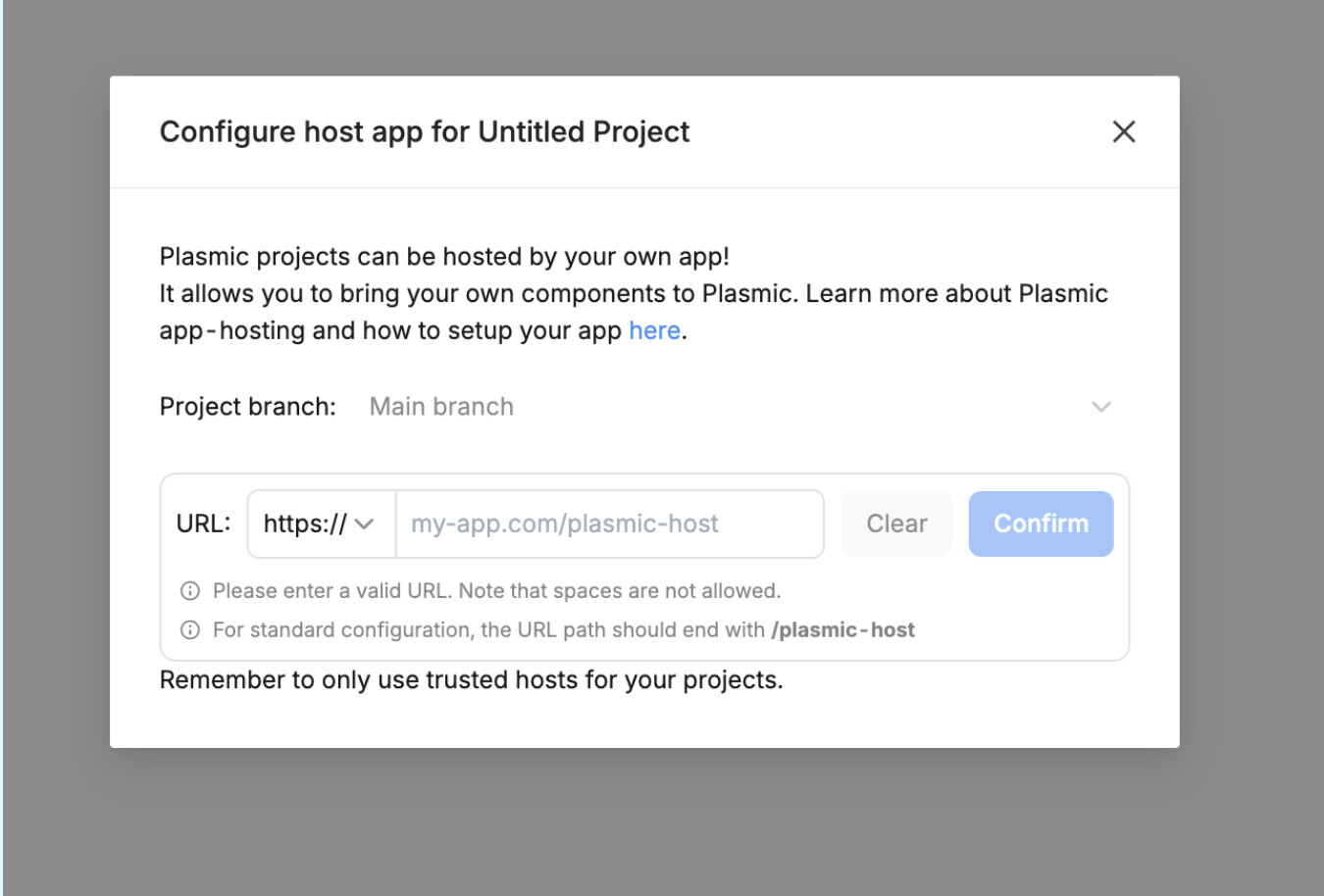
If you’re trying to enable the app host to connect the codebase to your Plasmic project please follow the instructions in this doc