Not sure what I did wrong here – or if it’s something with Plasmic?
Hi @chiara_burns !
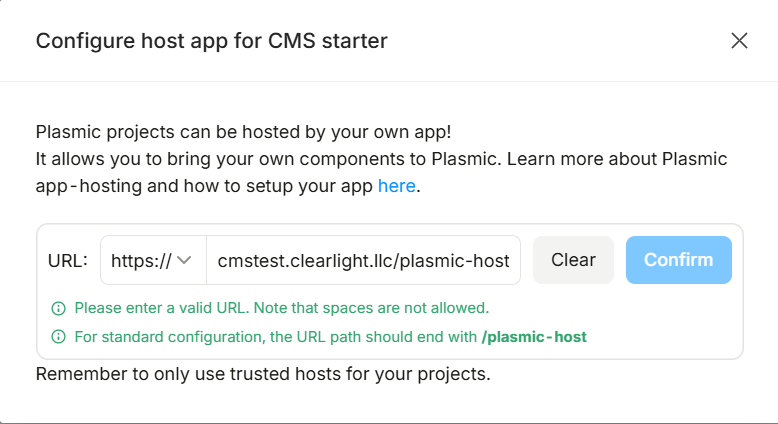
When you click the update link in that warning box in the top right corner, which URL do you see? (make sure that the protocols also match, HTTPS vs HTTP)
Does it have a /plasmic-host at the end?
If you go to that URL, can you send us a screenshot confirming that it’s working?
The blank screen you see is because you connected your Plasmic project to an app host. This means that you sync the code components from some codebase into your project, making them available in Studio.
Hey Alex!
Thanks so much for the response. For the test run to see if I can get Plasmic to work as a headless CMS for my clients, I made a dummy site on a subdomain: cmstest.clearlight.llc
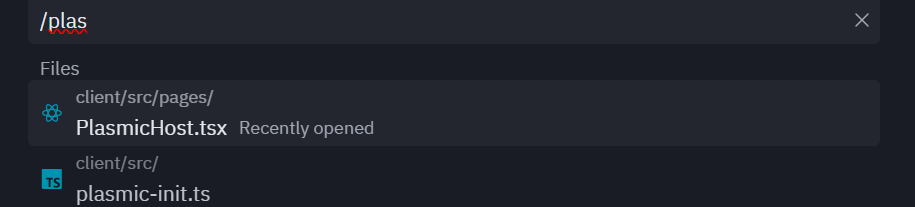
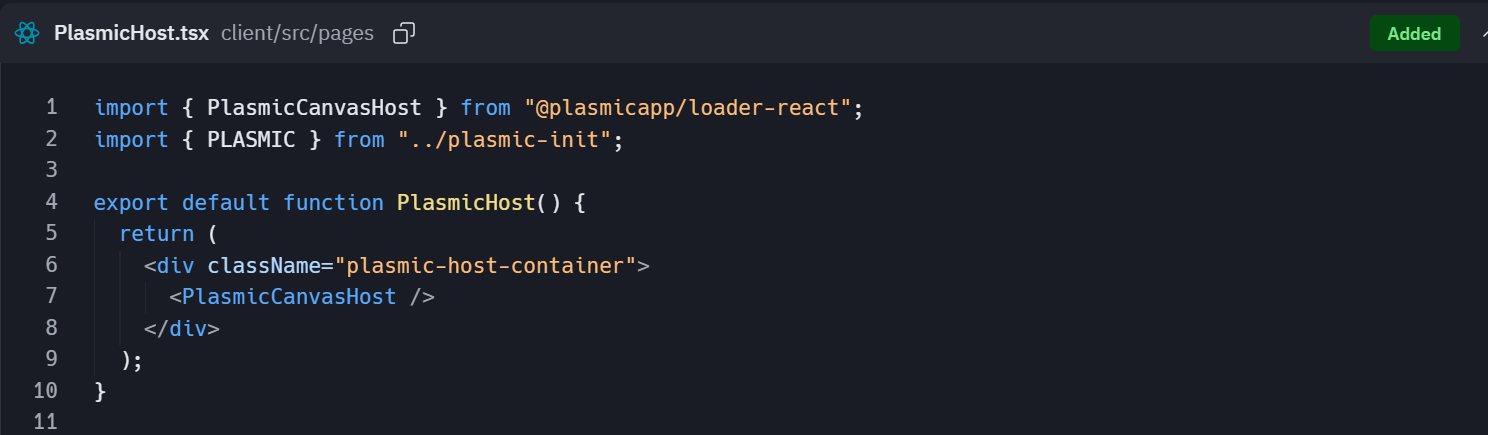
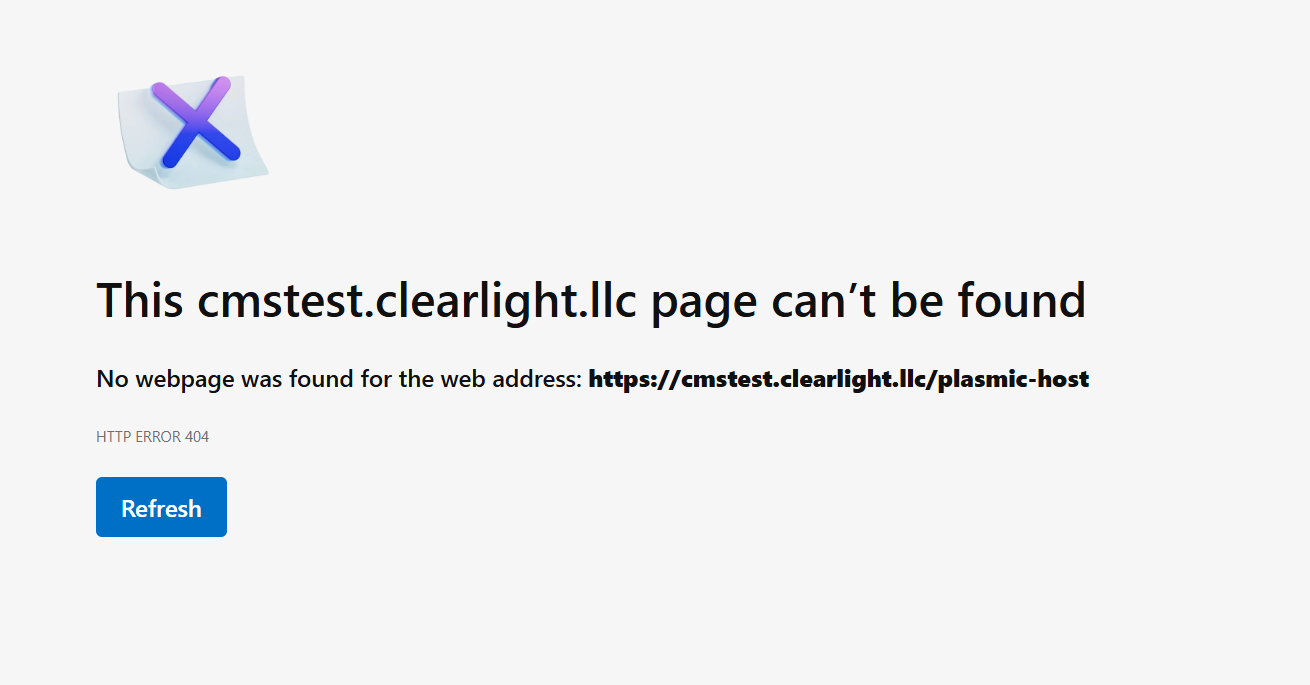
After following Plasmic’s documentation for integrating with a React codebase (in my cacse on Replit), Replit says that cmstest.clearlight.llc/plasmic-host is functional. But if I type that into the URL field, it 404s. Screenshotting the files as well.
which URL do you see? (make sure that the protocols also match, HTTPS vs HTTP)
https://cmstest.clearlight.llc/plasmic-host
If you go to that URL, can you send us a screenshot confirming that it’s working?
Yes, this one, right?
This means that you sync the code components from some codebase into your project, making them available in Studio.
Thanks for your patience! I’m a growth/marketing/ops person and not super technical. Forgive my dumb questions  So…it sounds like after the two are successfully integrated, I should be seeing that blank screen, but now there are additional steps to map over the code components?
Is there documentation you could point me towards for that, or do y’all have video tutorials somewhere?
Thanks so much for your help here!
Warmly,
Chiara
@chiara_burns ooh, i see the issue
You need to rename PlamicHost.tsx file to plasmic-host.tsx
Then it should be discoverable on this url https://cmstest.clearlight.llc/plasmic-host, and your config will work!
We have some docs about setting up an app host in here - Host Plasmic Studio in your app | Learn Plasmic
And this, to set up a loader app manually - Get started with Next.js | Learn Plasmic
Alternatively, you can automatically generate your app repository on GitHub through our Publishing ui (when you click the button on the top right corner). select loader mode, it should fit your use case.
Then it’s a matter of pointing to that repo from replit
Hey Alex! I updated the file name, but it’s still 404ing and I’m getting the same error inside of Plasmic.
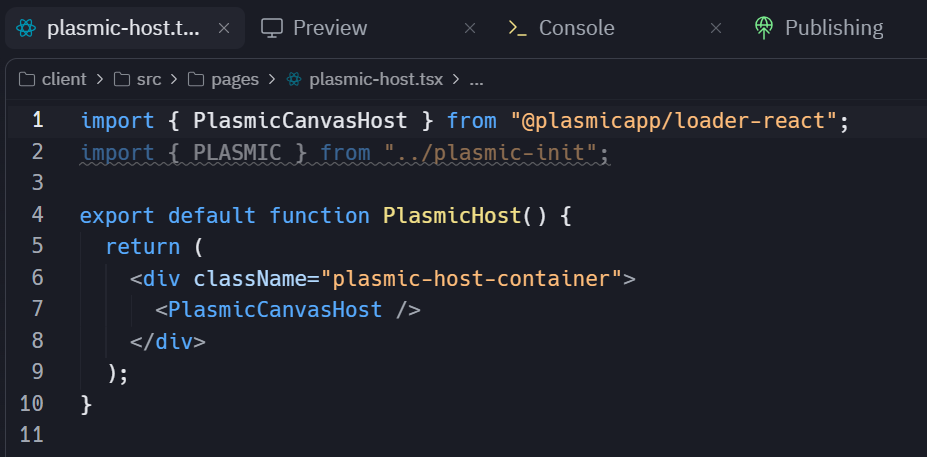

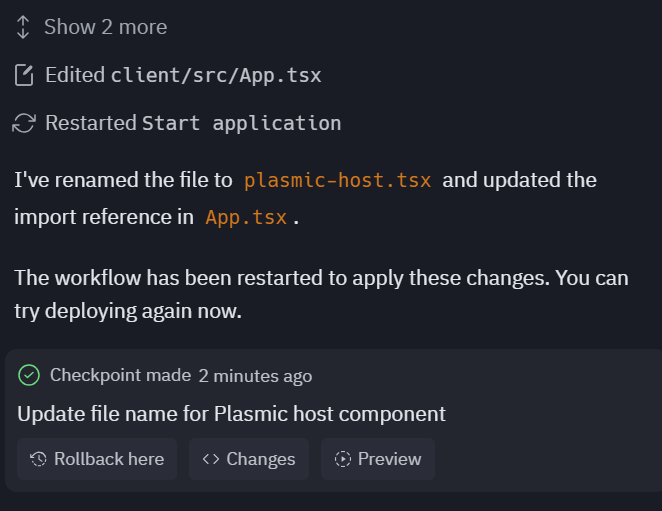
Ah, quick update, and thanks again for the patience.
I figured out what was going on and got it working 
The issue wasn’t the Plasmic setup itself, but the Replit deployment target. The app was being deployed as a static site, so deep links like /plasmic-host and /about were 404ing because the static server wasn’t doing SPA fallback to index.html.
Once I adjusted the deployment so the static build handles deep-link fallback (and republished), both /about and /plasmic-host started working correctly, and Plasmic Studio connects as expected.
So everything is resolved now on my end — thanks for pointing me in the right direction around the host page and file naming. Really appreciate the help.
Now I’m seeing this inside Plasmic. I think the next part is just figuring out how to map over the React components so that it reflects the modules on the site?
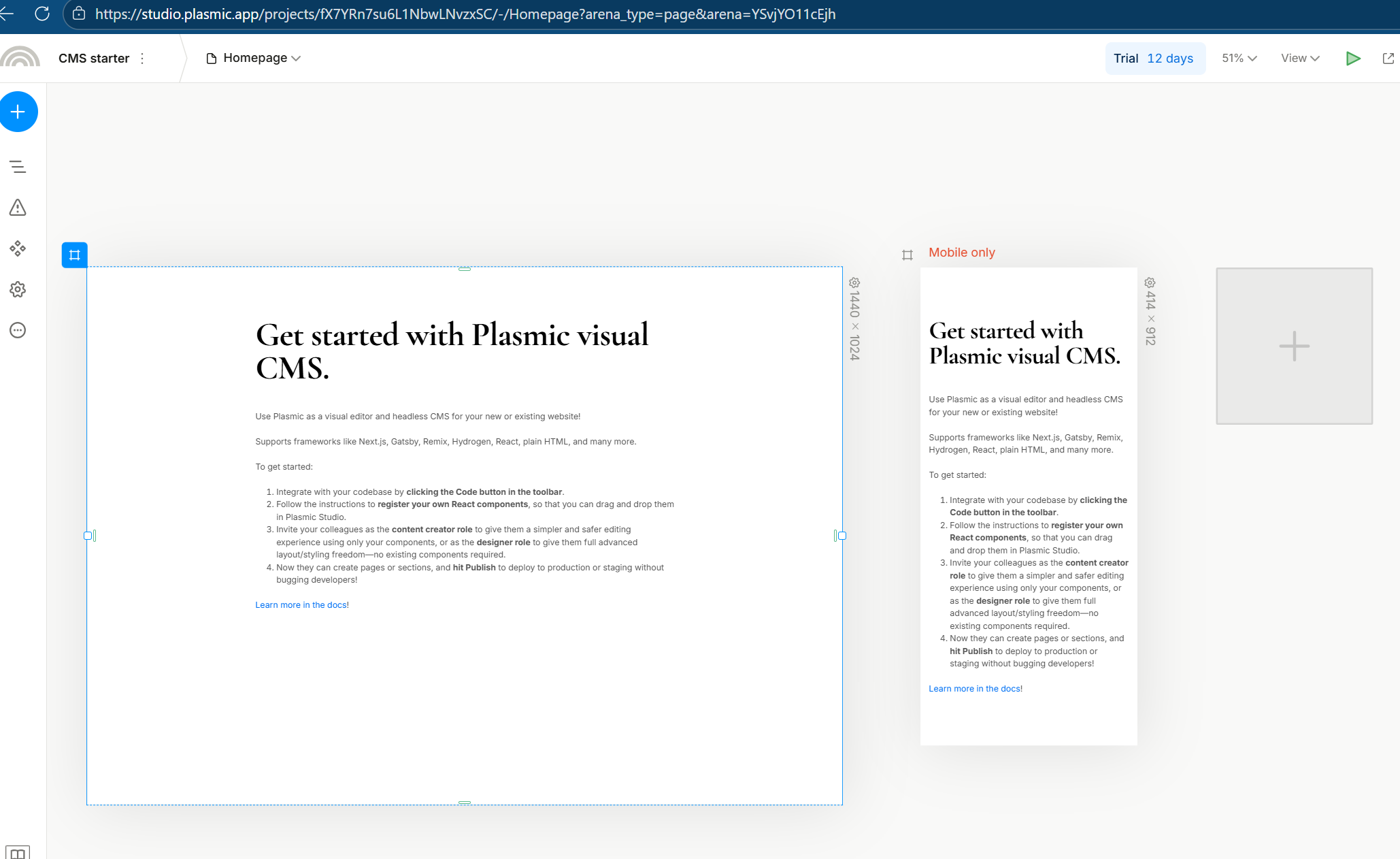
Best,
Chiara
Nvm I think I found it Registering your code components | Learn Plasmic
Yeah still slamming my head against a keyboard with this lol. I wish the registering components documentation had a video walkthrough! Just food for thought.
Platforms like Replit and Base44 are blowing up among non-technical folks who can finally bring their visions to life without relying on devs. I’ve built gorgeous websites that pre-vibecoding would have taken 8-12 weeks and a designer/developer duo to complete. Now I can do them in an afternoon. Only hang up for me is that these platforms aren’t offering an easy way to give clients edit access to their websites.
Plasmic could be the go-to headless CMS if you made it easy for the growing tsnumani of vibecoders ;p
1 Like
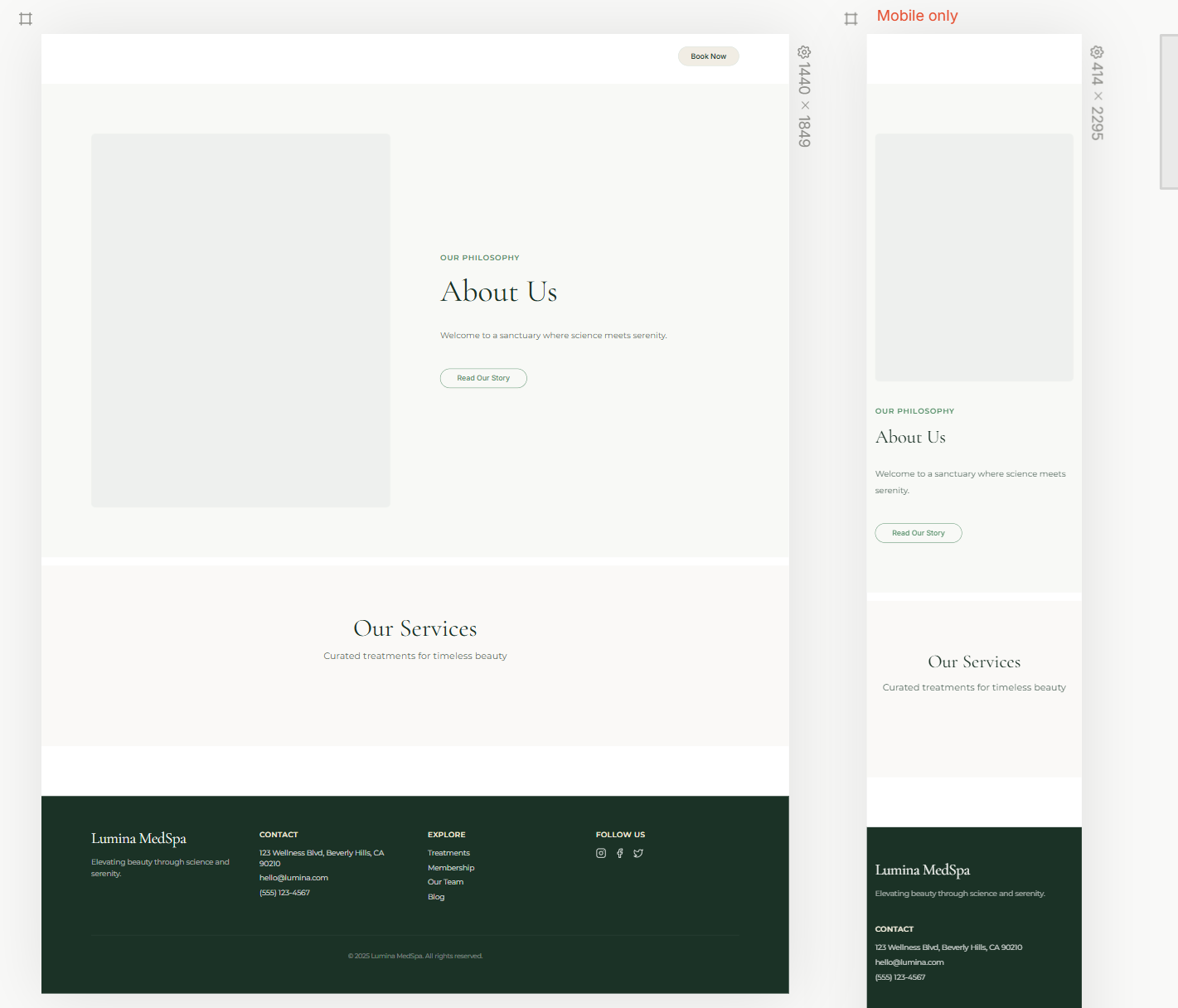
@chiara_burns no worries, thanks for figuring this out from your end too!
If you want to contribute to Plasmic community - we can invite you to a Plasmic Project Jam and go over the code components and things that you are struggling with. You can hit me up on slack.
You can take a quick look on our recent stream to understand how this will look like.